Running Docker Services at Home: Lessons Learned
I have been running a home server on and off for past several years with mixed success. Through iterations, I have finally landed on a setup which works for me. This post is a walkthrough of the services I run, what worked, what didn’t, and how I manage everything using Docker and a dashboard.
The Setup
I have had a spare laptop for a while and I occasionally set that up as a home server for couple of months; usually with Ubuntu server. Something would always go wrong after a while: either with external media mounting issues, wifi connection problems or static IP headaches (because I am too lazy to setup a LAN cable to the laptop). Plus, you never notice it when you use it, but we are more accustomed to the quieter devices, and the fan noise from older laptops becomes unbearable.
I got a mac mini last summer and although nothing was revolutionary in terms of computing, I was impressed with the performance despite its small form factor and more importantly, it did not have any noise whatsoever, even in the middle of the night. That’s when I decided to shelve my older laptops and give this one a whirl.
I’ve been running everything on Docker for years since I like experimenting with different services, and that’s what I decided I was going to do here. While setting this up, not everything went as smoothly as I had hoped for. Couple of issues I noticed were:
- Docker-to-host networking on
macOSis not as seamless as it is onLinux. While trying to set up my usual WireGuard VPN, I ran into many issues and I decided the effort was not worth it and went with Tailscale instead. - I am using a Samsung 2TB SSD as the main media and file storage, and while I had it formatted as
exFATfor wide device support but I had problems with it onmacOS. I moved the data and reformatted it onAPFSformat and haven’t had any problems since then.
Besides these I have not had any problems at all and have been running this setup for the past six months. I am quite happy with it.
Here’s the main services that have been a staple on my home server and I find most helpful.
Services
Glance
This is the main entry point, or living room of my home server, if you will. I use it to monitor all my active services, their status, and as a quick navigation to those services.
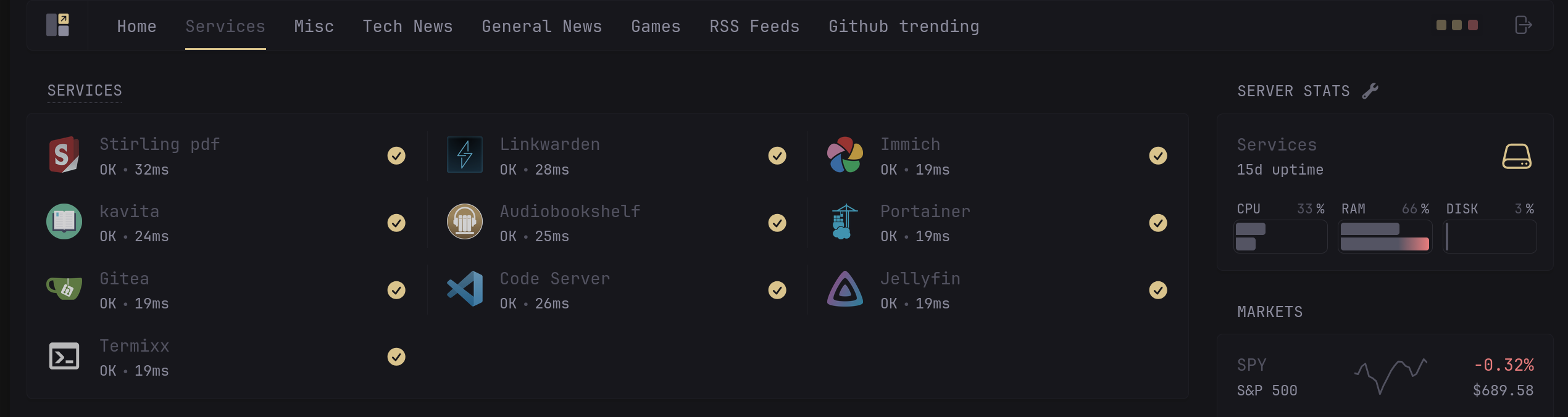
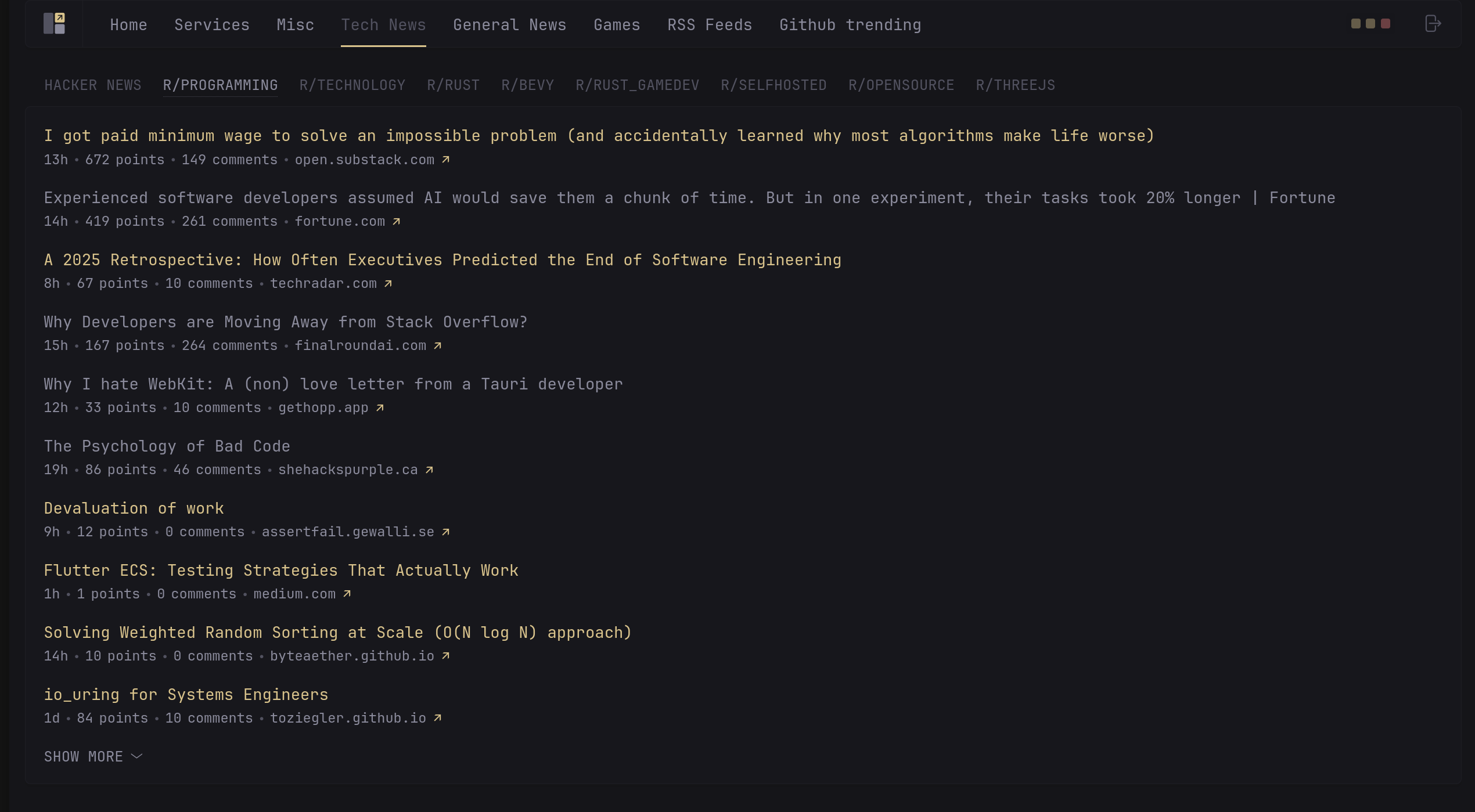
Going through other social sites and the internet for news has become a tedious chore for me because of all the flashy interactables on the page, constant bombardment with ads and a UI where everything seems to be begging for attention. I was almost looking for RSS-esque, Hacker News type UI where I can catch up on all things I care about, and Glance gave me exactly that. I’ve setup aggregation from Hackernews, multiple subreddits, RSS Feeds, Github Trending repos, all in one consistent simple UI.
Immich
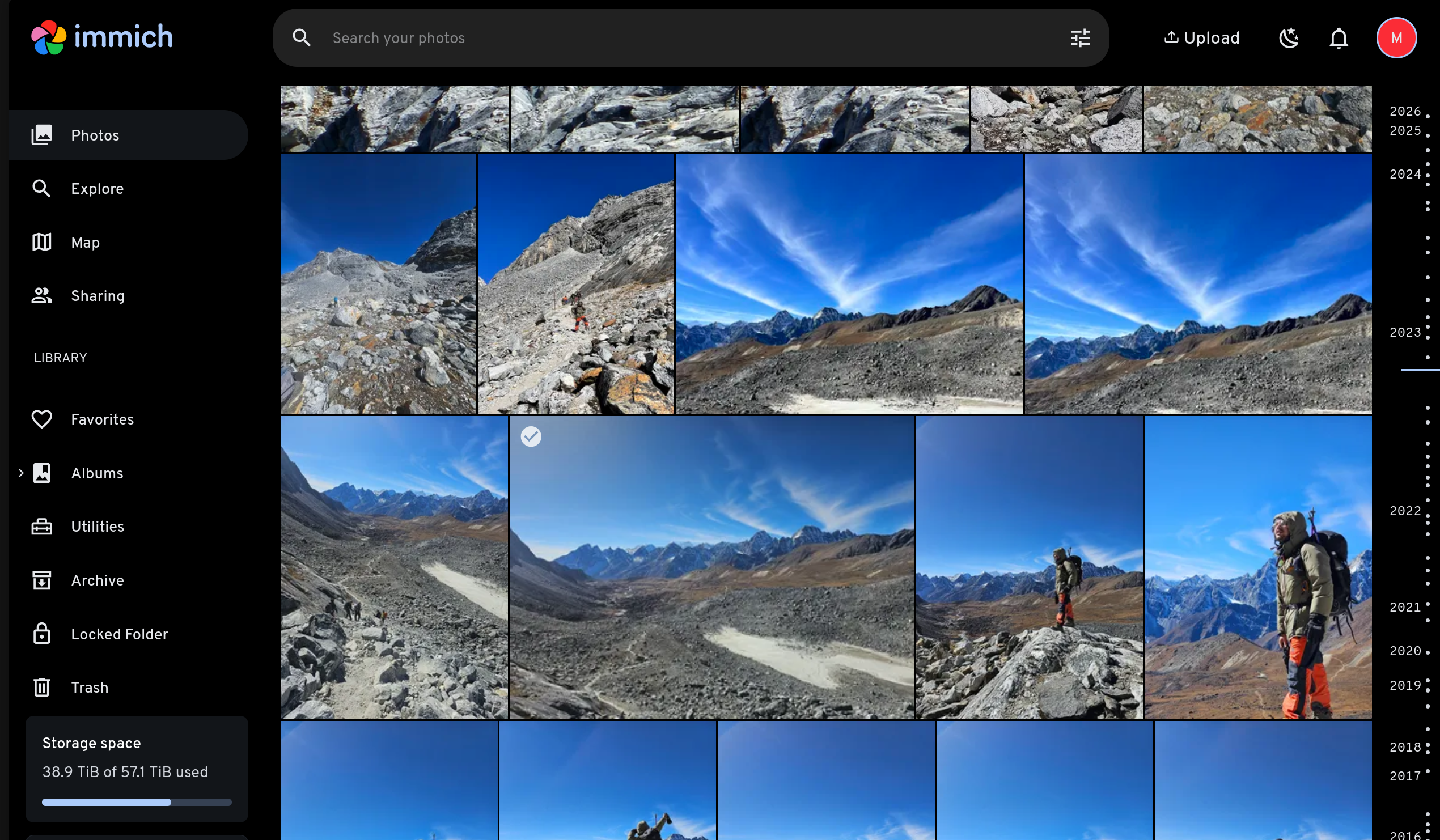
This is another one I couldn’t do without. For the longest time, I used Google Photos, particularly for its backup services and I take a lot of photos and videos and consumed the free quota pretty quickly and was on their subscribed tier. But with the privacy concerns, handing over all your photos and videos to a company whose entire business model is based on data collection doesn’t sit right with me.
I had been avoiding self-hosting photo management software for the longest time as I anticipated it would be similar to setting up NextCloud (hopefully, I don’t want to try to set that up ever again). But boy, was I wrong. It was an incredibly simple process; just setting up the docker compose and volume to store the photos and I have not had to touch it once since setup. All the photos I capture from my iPhone, Android, Tablet are backed up straight away once I’m connected to server and removed from my device to avoid duplicates. They load fairly quickly when I need with an interface that’s even simpler than that of other mainstream providers.
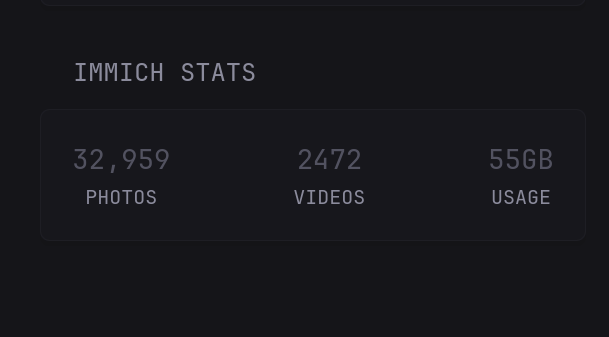
I even have an integration for it on my Glance dashboard which shows some metrics:
Linkwarden
I hate bookmarks. With all the devices, all the browsers, all the migrations and moving between them, it’s hard to keep track of the websites you wanted to check out. Bookmarks have been failing me forever on this. I used Evernote and Pocket (RIP) in the past but without great success. Linkwarden fits perfectly for my needs and many others’. It does one thing and one thing well: tracks, organizes and saves the links you want to bookmark and makes them easily accessible.
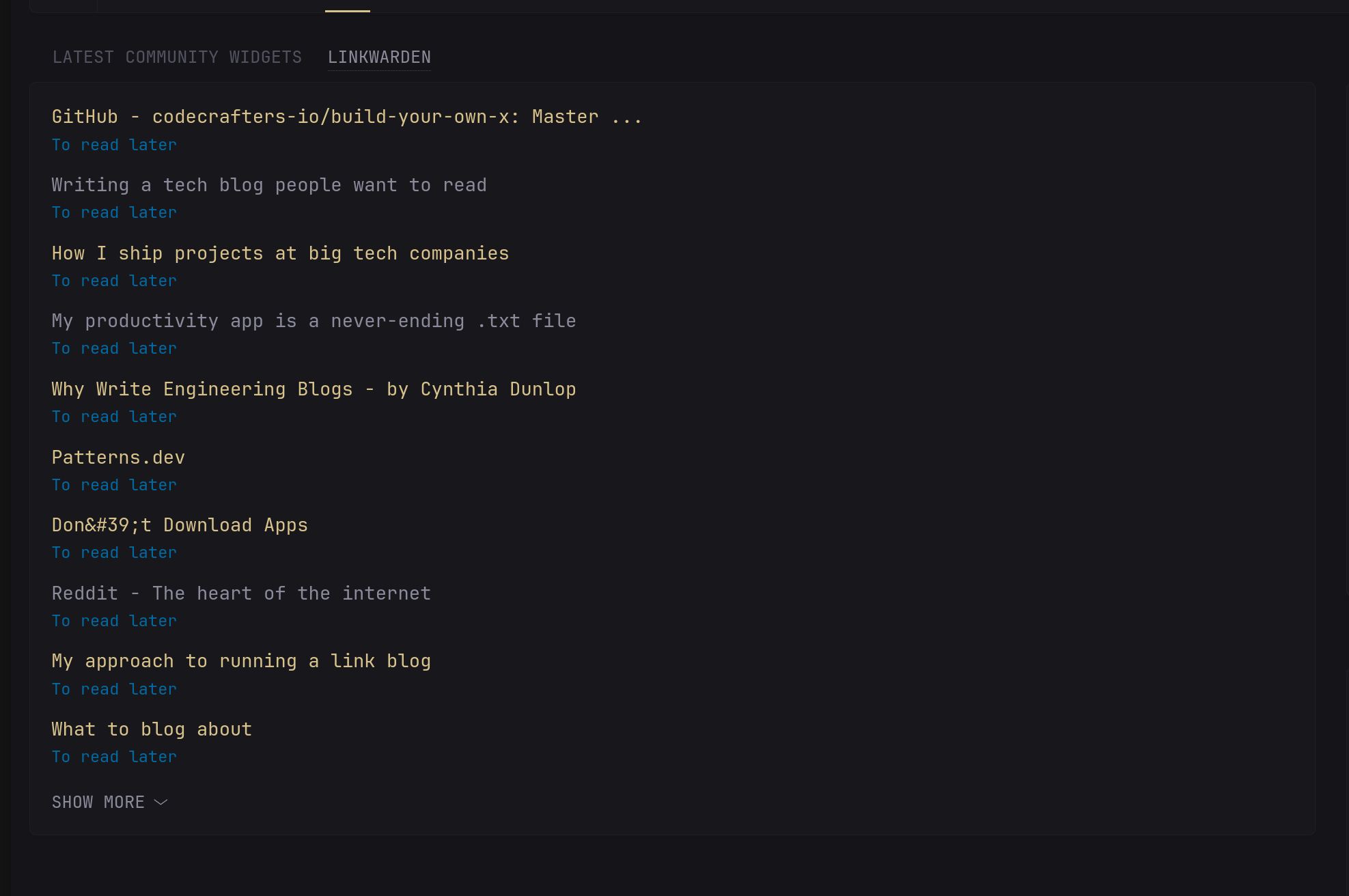
And I guess you already know the pattern, but this also integrates really well with Glance dashboard, so I don’t have to leave the dashboard to read things I’ve bookmarked.
Gitea
Git does phenomenal job of tracking things and over time. I have some personal repositories backed up on my own Gitea server which stores the repositories in a plain readable format so that I can unhook my SSD, connect it somewhere else, decrypt it, and have access to everything even without Gitea.
But, that’s not why I’m talking about it here. I’ve found that it’s incredibly useful for tracking not just code, but anything text based ( and some non-text as well, images in my case). I use Obsidian for managing pretty much every thing from work to personal chores. Obsidian Sync does work fairly well, but it needs to be installed on the device and I like having access to the master record for my notes. Gitea does both job well. All my notes are tracked on Gitea repos and I use community Git extension in Obsidian to keep all my devices’ notes in sync and access notes via Gitea web interface on other devices.
Other Services worth mentioning
I use many other services as well which keep changing as I experiment with newer ones. Below are few stable ones that I haven’t gotten rid of :
- Stirling Pdf : Incredibly handy for working with pdfs and can merge, split, compress, convert and do all sort of things with pdf from simple web interface
- Kavita : E-book reader of choice
- Code Server : VS code over browser. I use it to change Glance config on the fly which hot reloads the server, and for creating and updating other Docker Compose files.
- Portainer : For monitoring and simple actions on the running docker containers
- Jellyfin : For streaming media and content from the server
Final thoughts
Running a home server has been one of the most rewarding tech projects I’ve undertaken. Being able to experiment with new services and being able to interface to the internet in a way that you decide to has changed how I think about my digital life. Self-hosting and open source communities are incredibly helpful and running everything through Docker makes it easy to try new things; if a service doesn’t work out, it’s just a docker-compose down away.
The biggest lesson I’ve learned is that a good home server setup isn’t about running every possible service, but finding a handful of services that genuinely improve your daily workflow. For me, that’s Glance for information aggregation, Immich for photos, Linkwarden for bookmarks, and Gitea for my note taking needs. Everything else is secondary.
If you’re considering self-hosting a home server, start small with one or two services that solve problems for you, and expand from there.